
Time off without spreadsheets or paperwork. Employees ask in the app, and the days left count themselves.
Example. Names and figures are made up.
How time off works, in four steps.
A request goes from the employee to the approver, then onto the calendar.
An employee asks for days off
They see how many days it takes, and what is left after.
The approver decides
Their manager, or someone you name with Advanced leave. They get a notification.
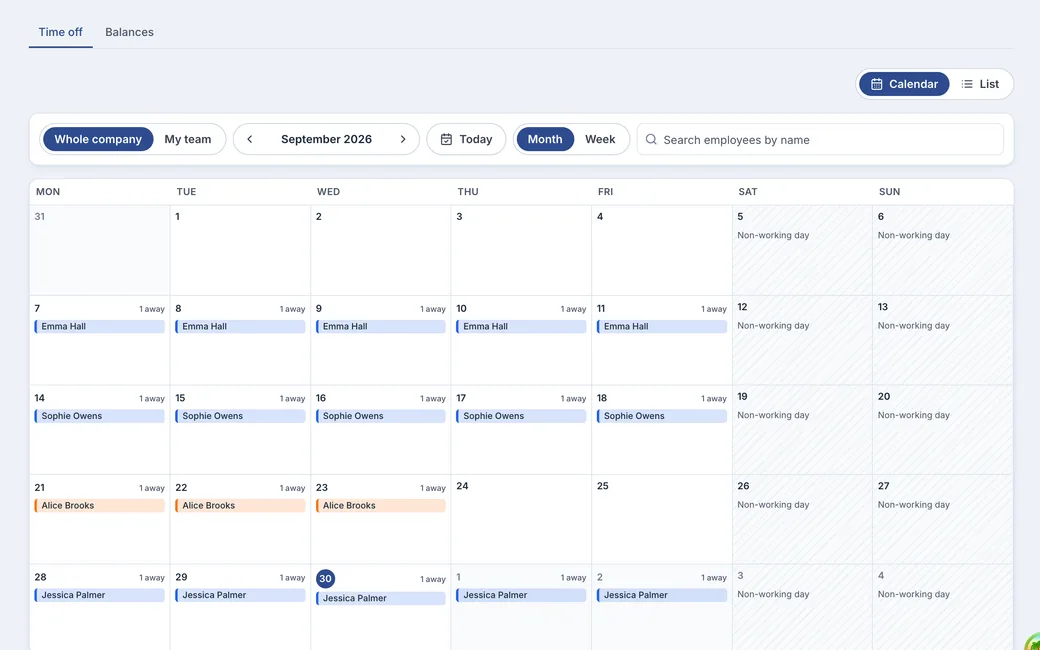
Everyone sees who is away
Approved leave lands on the absence calendar.
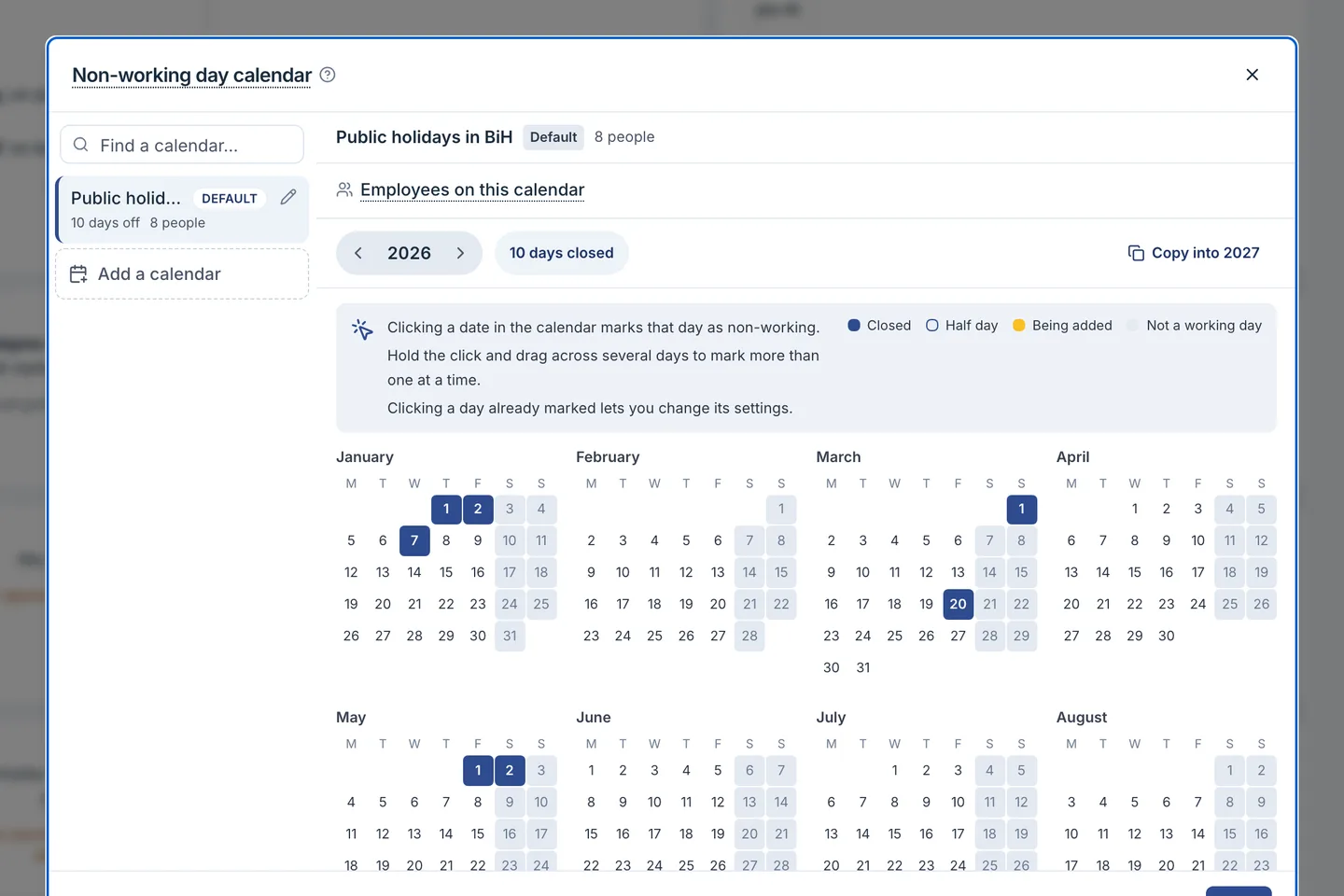
Weekends and holidays don't count
You enter your holidays once, and they are never deducted.
Employees ask for time off themselves.
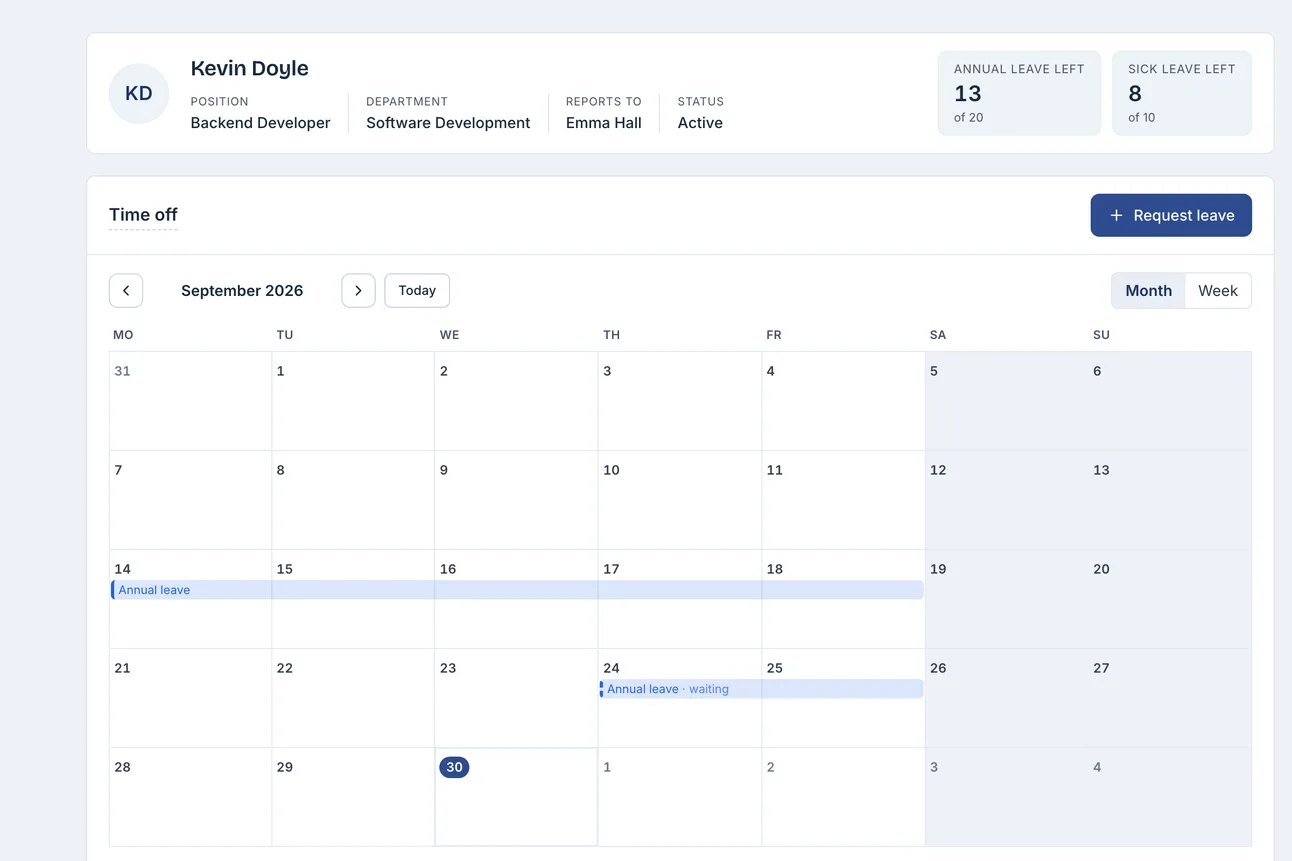
Their own page shows the days left and the requests still waiting.
- Before sending, they see the cost: days taken and days left after.
- Overlapping requests: the app offers to merge the two into one.
- A request of only weekends and holidays cannot be sent.
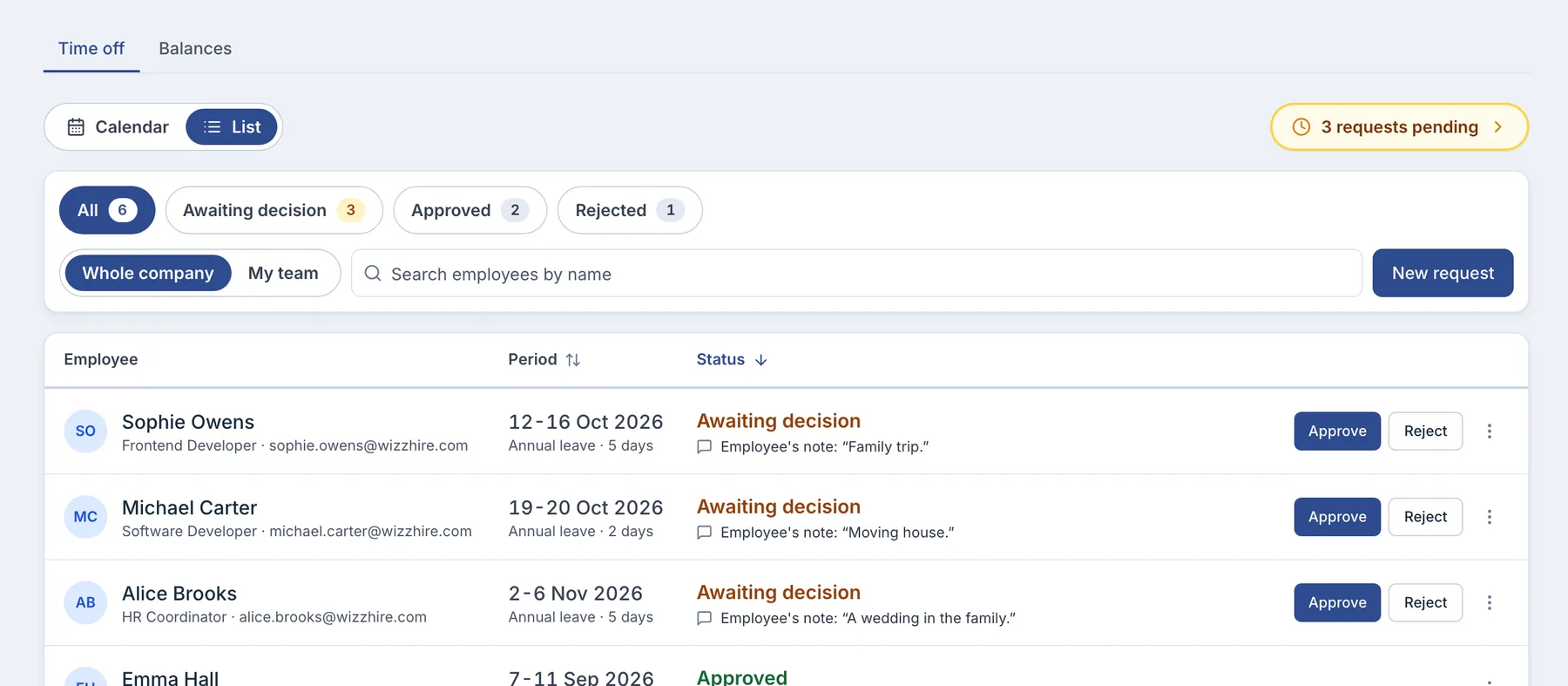
Every request goes to the person who decides.
The manager first, then up the line. Advanced leave, from Growth, names approvers per type.
- Everything needed to decide
- Dates, type, note, balance, and who in the department is away.
- A rejection always has a reason
- It is required, and the employee gets it by email.
- Nobody approves their own
- The requester is never an approver. Approve a queue in one go.
Always know how many days everyone has left.
Set the rules once, and WizzHire does the counting.
Which days count
Each leave type has its days per year, opened on 1 January.
- Each person's working days
- Weekends and holidays inside the leave are never deducted.
The first year
Someone who joins mid-year gets one of three.
- The full allowance
- Every day for the year, straight away.
- Pro rata
- Worked out from the months they work that year.
- A number you agreed
- Typed in for that person.
Unused days
Choose what happens at the year end.
- They carry over
- Into the next year, automatically.
- They lapse
- Cleared on 1 January.
- They carry over, within limits
- A maximum and a use-by date, with Advanced leave.